

Louro for iPhone
Your garage,
in your pocket.
Your car’s records, trips and questions.
Together in one place, with a little help from Opie.

Free to download. Optional in-app subscriptions.
One car. Its whole story.
A little less guessing.
A little more knowing.
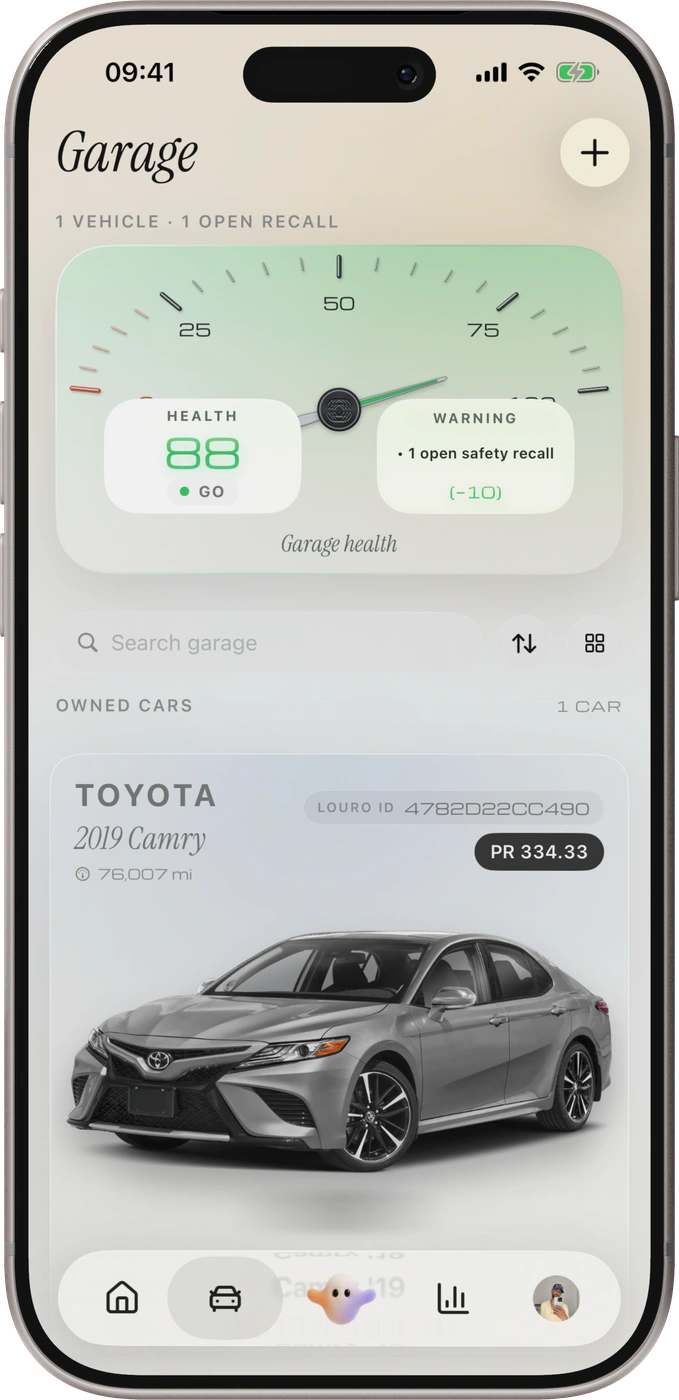
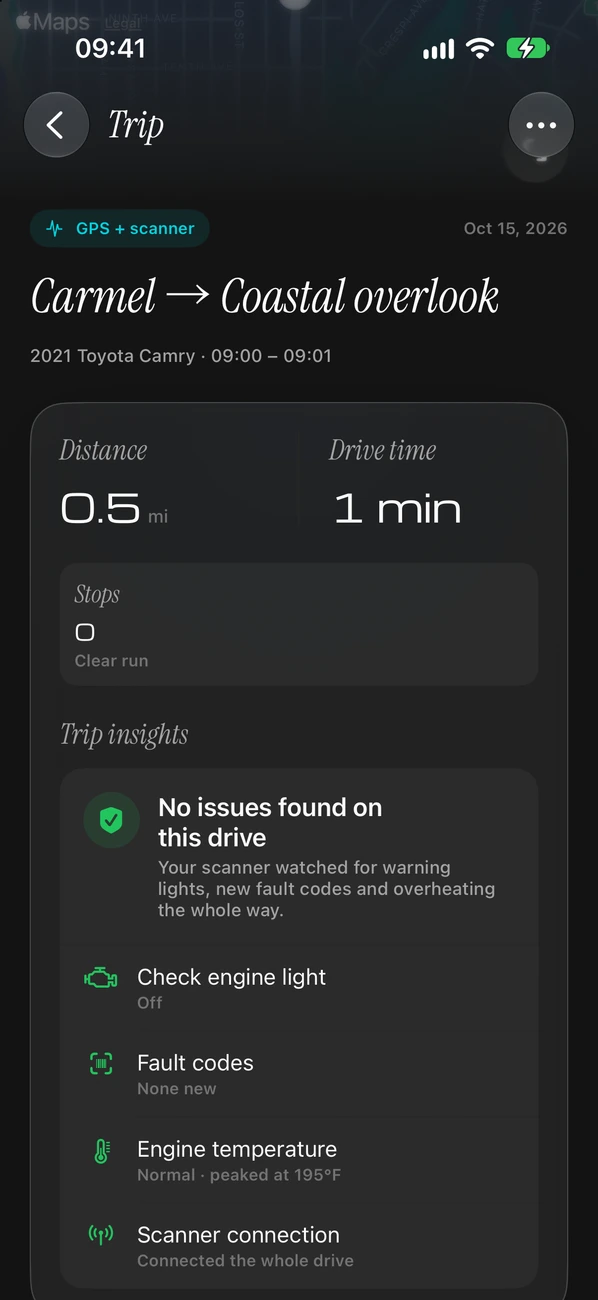
There’s a lot to keep track of when you own a car. Louro brings the useful details together, so you can find them when you need them.
Scanner readings depend on your car and adapter. Some features require Garage+.
Meet Opie
Car questions?
Start here.
A warning light. A strange noise. Something on a repair quote. Ask Louro’s built-in AI advisor for a clearer explanation and useful next questions.
Meet Opie in LouroA few things you can ask
- “What does this engine code mean?”
- “What should I ask the repair shop?”
- “What should I check before a long drive?”
Opie offers information to help you understand your car. It cannot replace an inspection by a qualified mechanic.
Before you plug in
Find the right scanner.
Already have an adapter, or thinking of buying one? Check the listed models, what they can read and how to connect them to Louro on iPhone.
What is Louro?
Louro is an app for keeping track of your car. It brings together service records, documents, scans, recalls, trips and costs, with Opie to help explain car questions in plain English.
Is Louro free to download?
Yes. Louro is free to download and has a Free plan. Garage+ adds more features through an optional subscription. Check the app for the current features, prices and terms available to you.
Do I need a scanner?
You can keep car records, use reminders and ask Opie questions without a scanner. To scan your car or see supported live readings, you need the Louro iPhone app and a compatible Bluetooth OBD-II adapter. OBD-II is the connection used by a car’s diagnostic system. See the scanner guide.
Will every scanner work with every car?
No. The information available depends on the exact adapter, your car and what the current Louro app supports. Engine-code access does not mean access to every system, such as airbags or brakes. Check the listed models and functions before buying.
Can I use Louro on the web?
Yes. Open the Louro web app to use it in your browser. Physical scanner connections are handled by the iPhone app.
Who makes Louro?
Louro is made by Opaius. Learn about the company, or get help with Louro.

Your car.
A little clearer.
Take Louro along for the next chapter.
Or open the web app